
Access Your JB Casino Account
Log in to your JB Casino account using your registered email and password on the website or mobile app. The login process takes seconds and works on any device once your account has been verified. Your credentials are protected by encryption and secure authentication protocols. After logging in, you can place sports bets, play casino games, claim bonuses, and manage deposits and withdrawals.
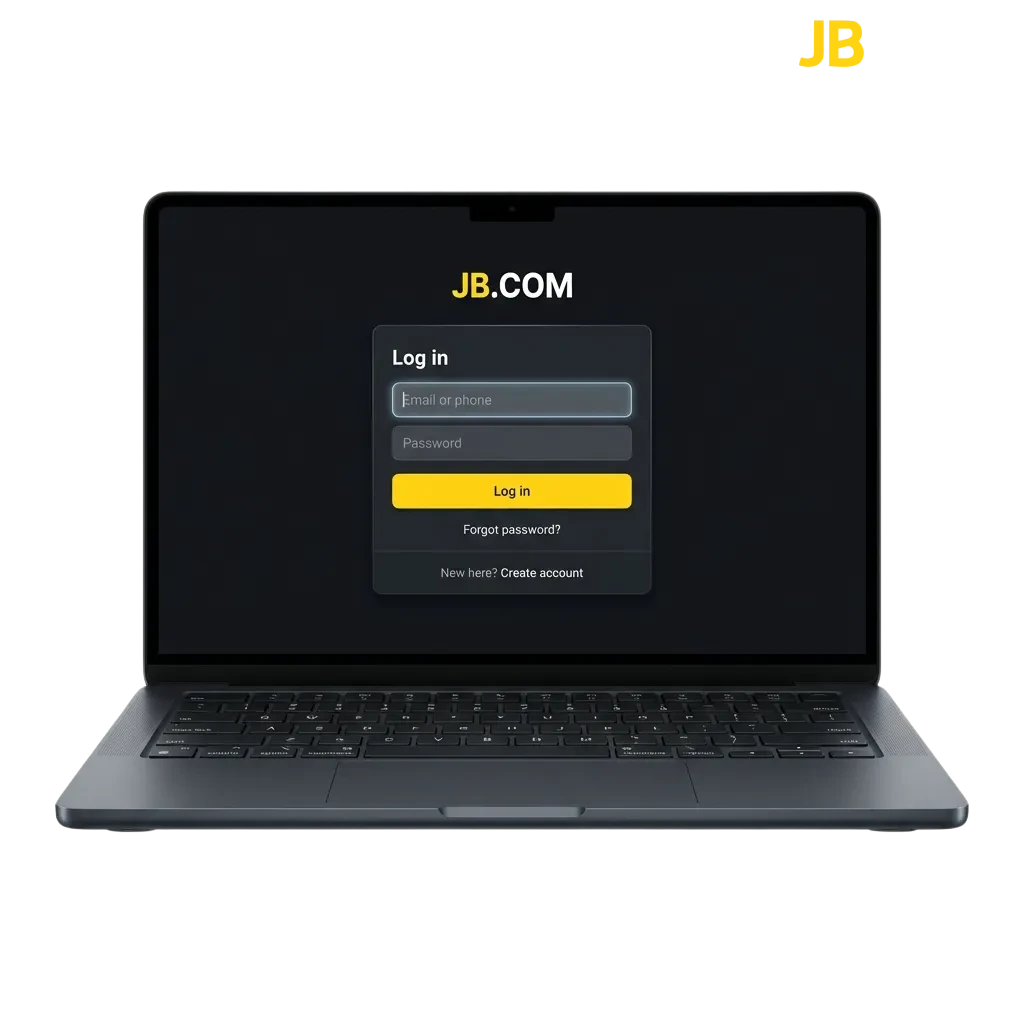
Available Login Methods
You can access your account through multiple entry points depending on your device and preference. Available options include email and password, phone number login, social media sign-in, and mobile app access.
Email and Password Login
This is the standard method used by most players on the platform. You enter your registered email address and the password you created during registration. The process is straightforward:
- Open the official JB Casino website
- Click the “Login” button in the top-right corner
- Enter your email address and password
- Click “Sign In” to access your account
Mobile App Login Process
Logging in through the mobile app is faster than using a browser because the app stores your device information and keeps you signed in between sessions. Once installed, you only need to enter your credentials the first time.
Open the app and tap “Login” on the home screen
Enter your email and password, or use fingerprint/face ID if enabled
Tap “Sign In” to access your account
LoginYour session remains active until you manually log out
Common Login Issues and Solutions
Some users encounter technical or credential-related problems when trying to access their accounts. Below are the most frequent issues and how to resolve them.
| Problem | Solution |
|---|---|
| Incorrect password error | Click “Forgot Password” on the login screen and follow the reset instructions sent to your email |
| Account locked after multiple failed attempts | Wait 15 minutes before trying again, or contact customer support to unlock your account |
| Email not recognised | Check for typos in your email address, or verify you registered using that email |
| Login button not responding | Clear your browser cache and cookies, or try logging in from a different browser or device |
| Two-factor authentication code not received | Check your spam folder, request a new code, or use a backup authentication method if available |
Password Recovery Instructions
If you forget your password, you can reset it by verifying your identity through email. The reset link is valid for 24 hours and allows you to create a new password.
Click the “Forgot Password” link on the login page
Enter the email address linked to your account
Check your inbox for a password reset email
Click the reset link and enter a new password
Confirm the new password and log in using the updated credentials
FAQ
Can I stay logged in on multiple devices?
Yes, you can remain logged in on your phone, tablet, and computer at the same time. Your account syncs across all devices.
What should I do if I can’t remember which email I used to register?
Contact customer support with your personal information and account details. They can verify your identity and help you recover your login credentials.
How long does a login session last?
Your session remains active for 30 days on the website and indefinitely on the mobile app unless you log out manually. For security, you may be asked to re-enter your password before making withdrawals.
Is it safe to save my login details in the browser?
Browser password managers are generally safe, but using two-factor authentication adds extra protection. Avoid saving credentials on shared or public devices.
Can I change my email address after registration?
Yes, but you need to verify the new email address. Go to your account settings, update your email, and confirm it through the verification link sent to the new address.
Updated: